

Table of Contents
ToggleFree Invoice Generator
Company Details
Client Details
Invoice Settings
Items
| Item | Qty | Price | Discount | Total | Remove |
|---|---|---|---|---|---|
| 0 |
How to Generate Invoice
Enter Company Details – Add your business name, logo, and address.
Enter Client Information – Fill in the client’s name, address, city, and email.
Add Invoice Settings – Set the invoice number, date, currency, and tax type (GST, VAT, or Sales Tax).
Add Items – List the products or services, quantity, price, and any discounts. You can add multiple items.
Calculate Totals – The tool automatically calculates subtotal, tax amount, and grand total.
Choose Invoice Template – Select from Classic, Modern, or Minimal templates for a professional look.
Generate and Download – Preview your invoice, download it as a PDF, print it, or share the link with your client.
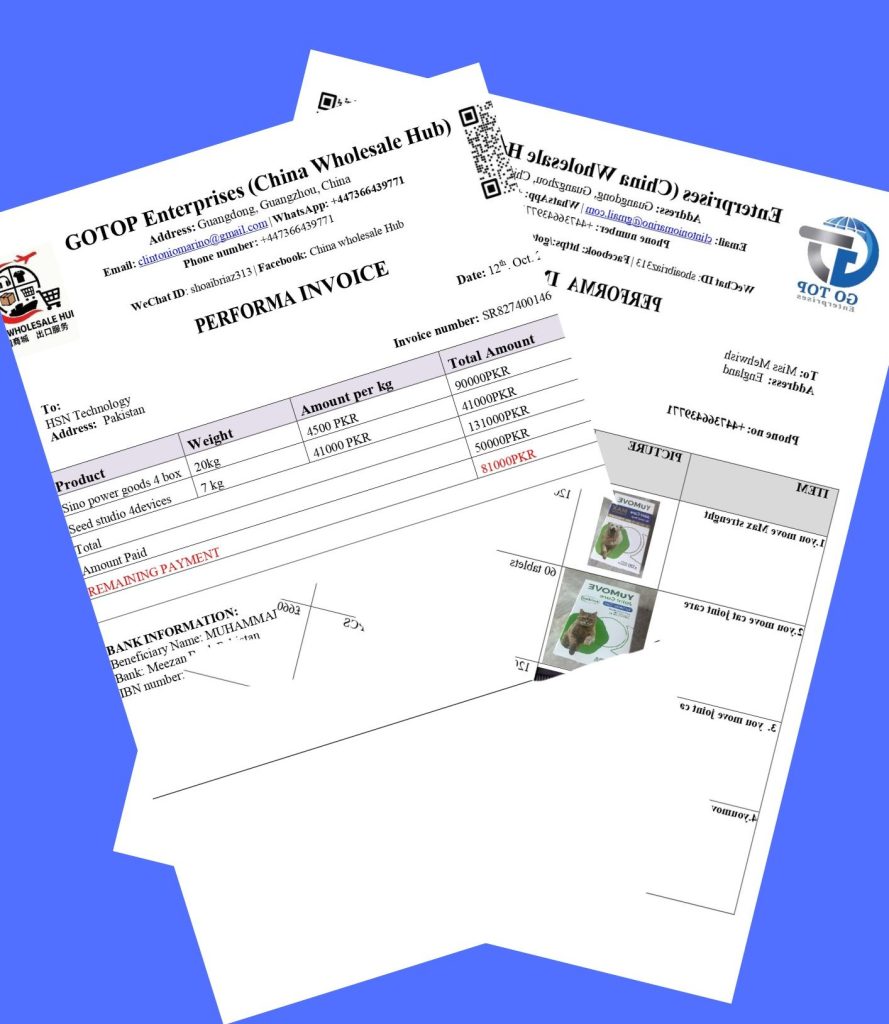
Benefits of Invoice Generator
Saves Time: Instantly create invoices without manual calculations.
-
Professional Design: Choose from pre-made invoice templates that look clean and professional.
-
Accuracy: Automatic calculations for taxes, discounts, and totals ensure no mistakes.
-
Multiple Tax Options: Supports GST, VAT, and Sales Tax, making it suitable for international clients.
-
Easy Sharing: Download invoices as PDF, print, or share a direct invoice link with clients.
-
Customizable: Add company logos, addresses, and client details to maintain your brand identity.
-
Accessible Anywhere: Generate invoices directly from your browser without software installation.
Using this tool improves your business workflow and ensures that your invoicing process is smooth, accurate, and professional.

